A Messenger chatbot for your Facebook Page
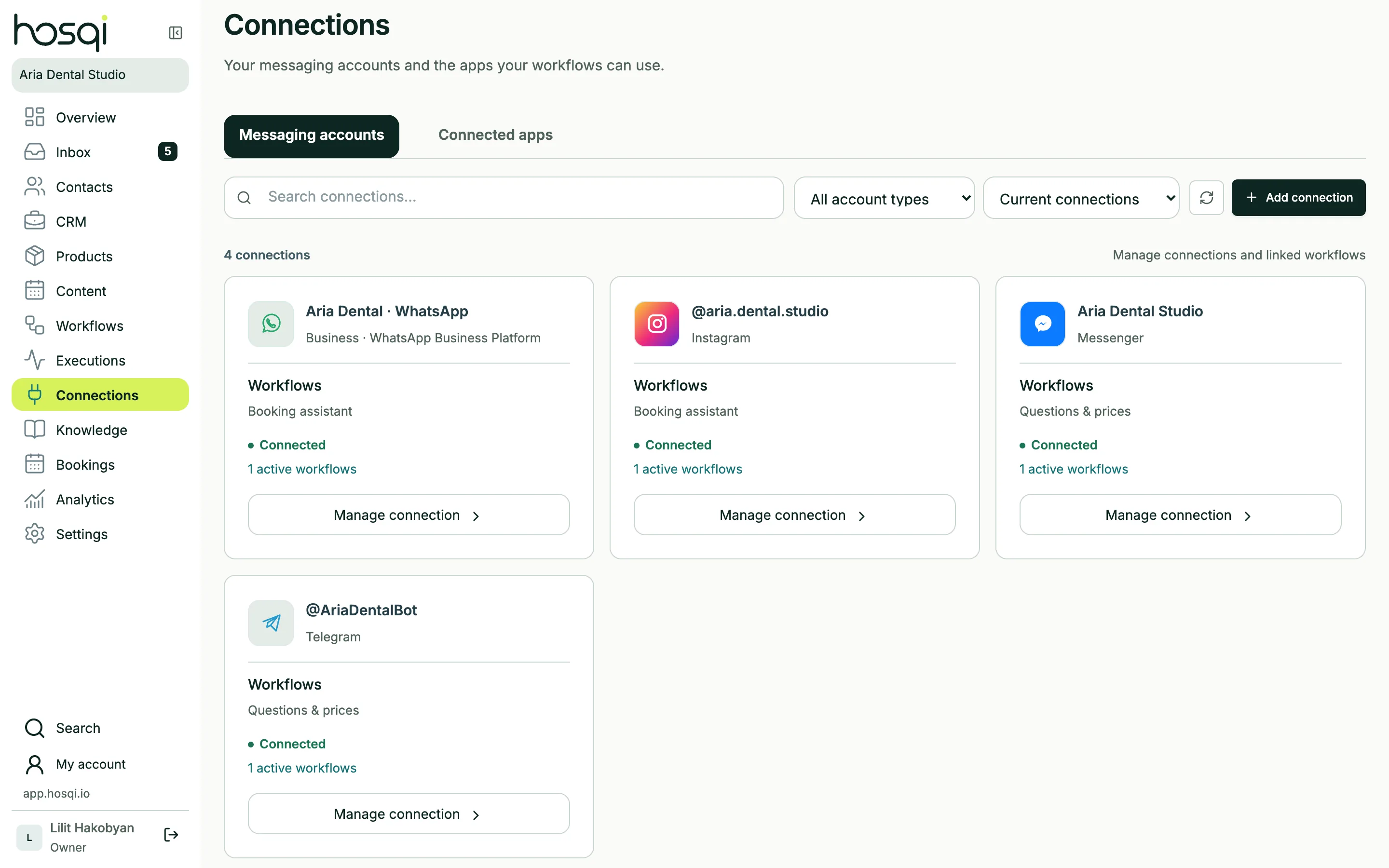
Connect your Page with Meta login and answer Messenger chats from the shared inbox. Buttons, cards, AI replies and handoff to your team — the same workflows as your other channels.
- Connect with Meta login
- Buttons and cards
- Shared team inbox
Connected in a couple of clicks
Sign in with Facebook, choose your Page and Hosqi subscribes to its messages. New chats appear in the inbox right away, with the customer's name and photo.
- Meta login, no developer settings
- Messages, images and files
- Contact names and photos
Answers your Page visitors expect
Buttons and cards
Show options as buttons or swipeable cards with images.
AI from your knowledge
Answer product, delivery and opening-hour questions from your own content.
Lead capture
Collect contact details and create a lead in the CRM.
Team handoff
Pass tricky questions to a person with the full conversation.
Messenger questions
What do I need to connect Messenger?
A Facebook Page where you are an admin. You sign in with Facebook inside Hosqi and pick the Page.
Can several people answer the Page's messages?
Yes. Everyone on your Hosqi team answers from the shared inbox with their own account — they don't need Page roles.
Keep exploring
Answer your Page's messages in seconds
Connect your Facebook Page and start from a support or lead template.