From the first message to a clear next step
Connect the channels your customers use. Give your workflow the right information, try it with sample conversations and let your team take over when needed. See the steps inside Hosqi.
A look inside your workspace
Choose a step to see its screen and what to check before moving on.
Bring the conversation into Hosqi
Open Connections and choose the messaging account you want to connect. Follow that channel's connection steps and confirm the account is available in your workspace.
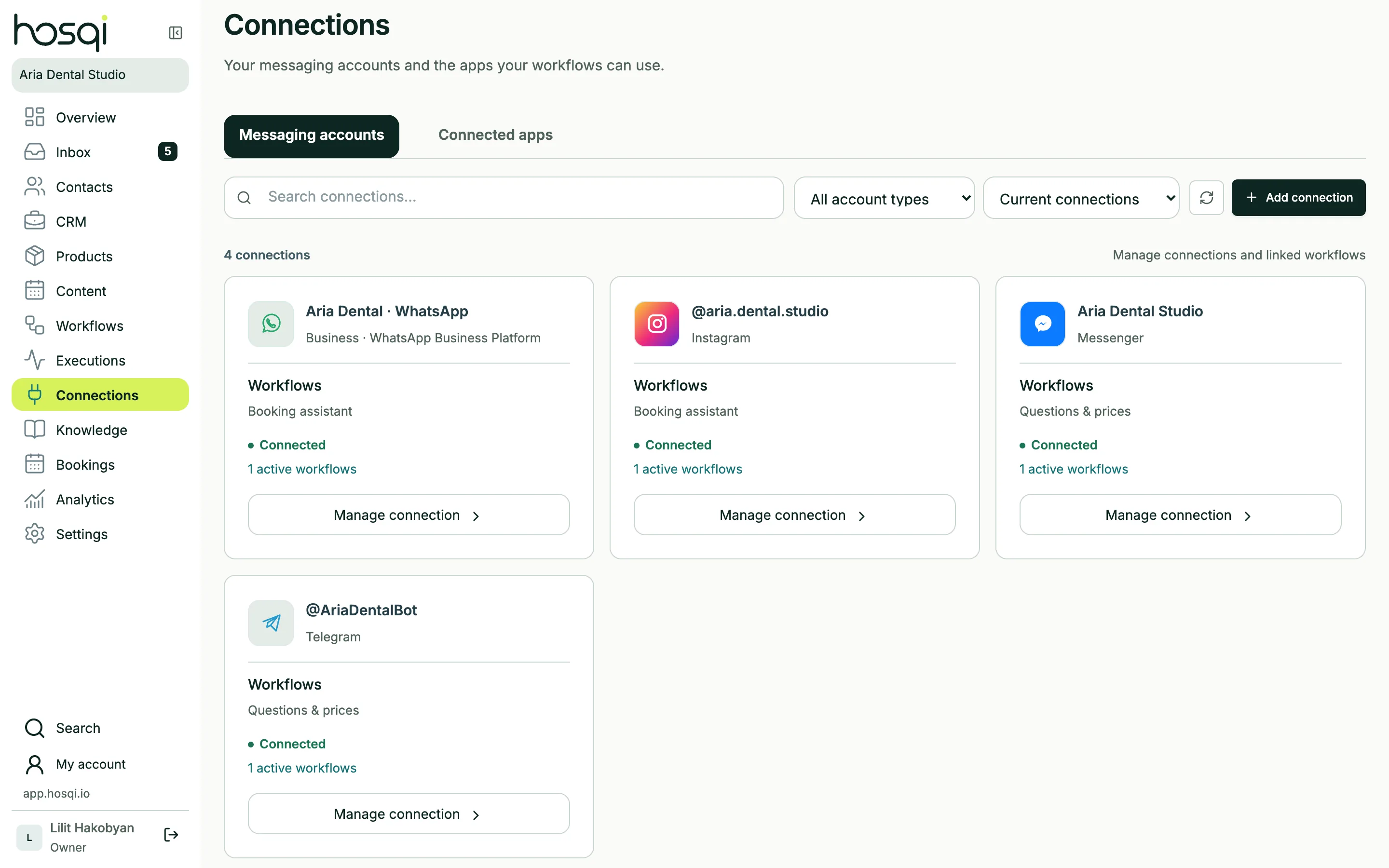
Product screens use a demo workspace with sample data.
Before the next step
The correct business account appears as connected. Its available actions depend on the channel and account permissions.
Prepare one useful workflow first
Keep your first setup focused. You can add more branches and channels as your team learns what customers ask.
One customer task
Choose a repeated question or request with a clear next step.
Current business information
Prepare the prices, services, working hours or answers the workflow will use.
A person to continue the conversation
Decide who receives questions the workflow cannot finish.
Start with one conversation
Create your workspace and build a first workflow around the way your team already works.