A WhatsApp chatbot and team inbox for your business
Connect your number through Meta's official signup and answer from one shared inbox. Buttons, lists, AI replies and bookings handle the routine; your team takes over when it matters.
- Official Meta connection
- Meta Verified Tech Provider
- Buttons, lists and templates
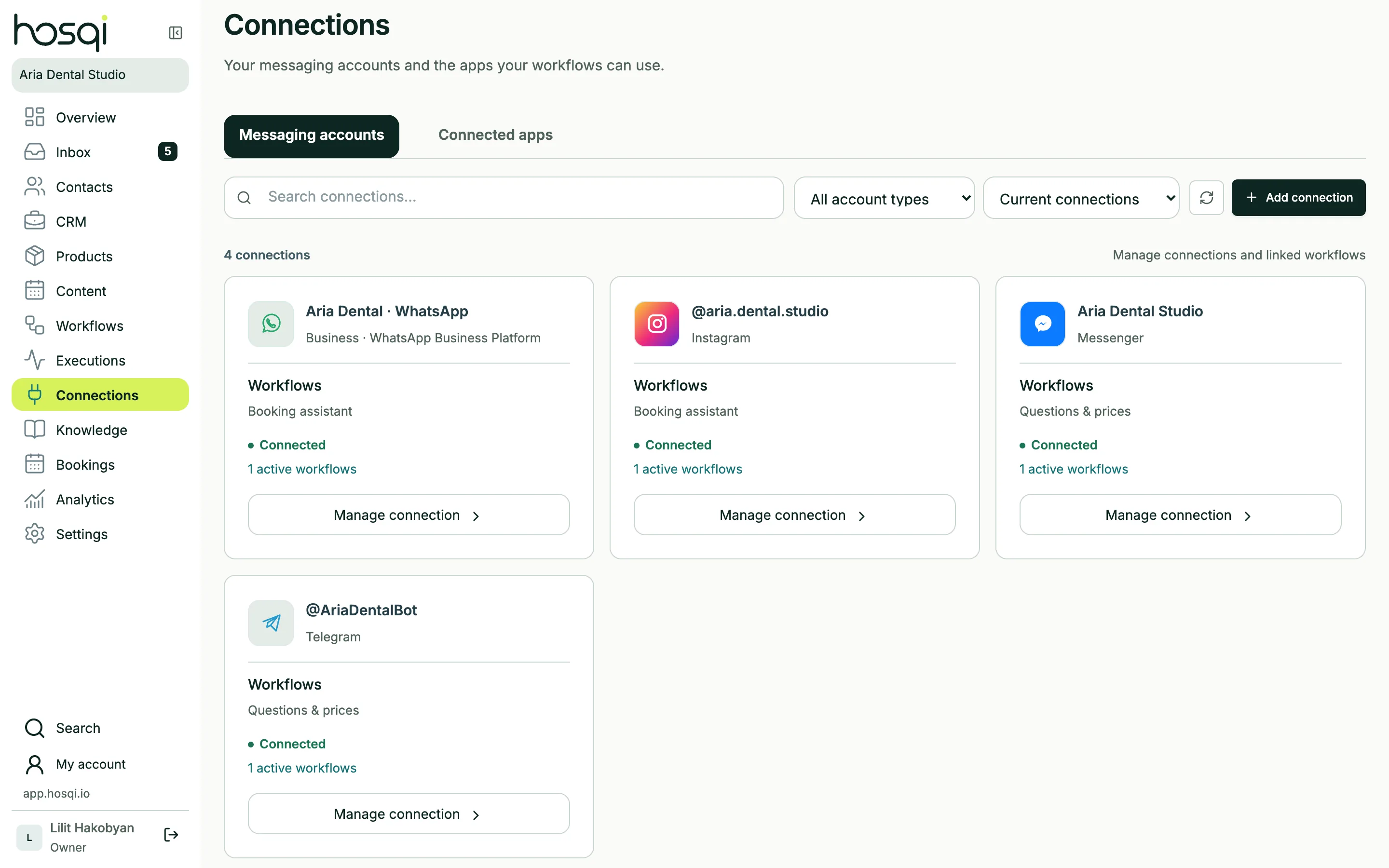
Connect your number the official way
Hosqi uses the WhatsApp Business Platform (Cloud API). You connect through Meta's own signup window — no screenshots of QR codes, no unofficial apps. Hosqi is a Meta Verified Tech Provider.
- Meta's Embedded Signup
- Messages, media and voice
- Approved templates outside the 24-hour window
Built for how people use WhatsApp
Reply buttons and lists
Native quick-reply buttons and lists of up to 10 options keep answers one tap away.
Ad and link triggers
Start a dedicated flow from a click-to-WhatsApp ad or a wa.me link.
Voice notes as text
Voice messages are transcribed in Armenian and English, right in the chat.
Message templates
Send approved templates when the 24-hour customer service window has closed.
AI replies
Answer from your knowledge base and collect details before a person steps in.
Bookings
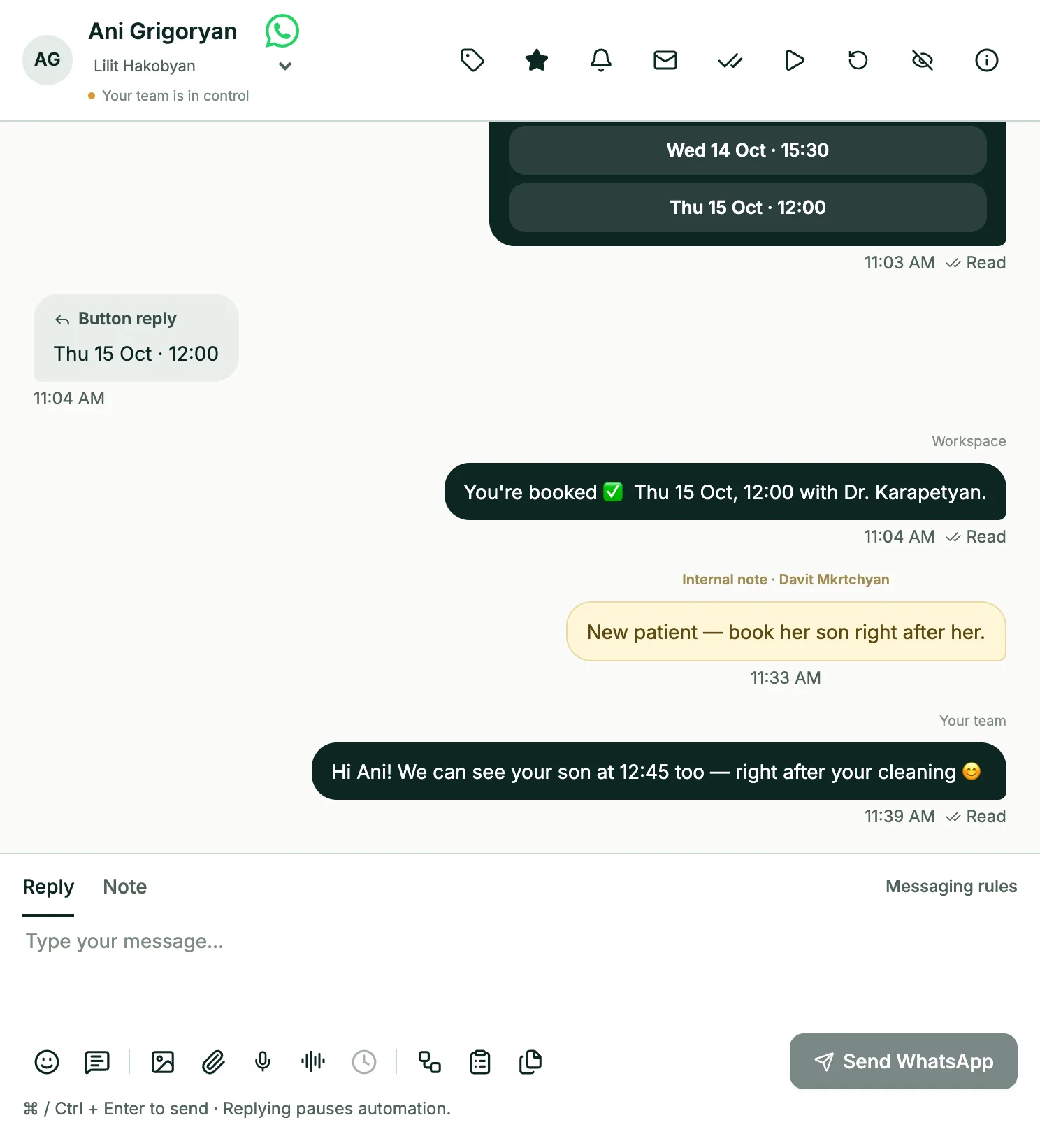
Offer free calendar times as buttons and create the event automatically.
One WhatsApp number, the whole team
Several teammates answer the same WhatsApp number from their own accounts. Assign chats, leave internal notes and see who replied — no shared phone on the reception desk.
- Each teammate with their own login
- Assignment and team queues
- Notes customers never see
WhatsApp questions
Do I need a WhatsApp Business API account?
You need a phone number and a Meta business account. The signup window inside Hosqi creates or connects the WhatsApp Business account for you.
Who pays WhatsApp's messaging fees?
Meta charges its WhatsApp messaging fees separately, directly to your Meta account. They are not part of the Hosqi plan price.
Can I keep using the WhatsApp Business app on my phone?
A number connected to the Business Platform is answered from Hosqi. Support for keeping the phone app at the same time is being prepared and is not available yet.
Can I send messages to customers who haven't written recently?
Yes, with an approved WhatsApp template, as Meta requires once the 24-hour window has closed. Only send to contacts who agreed to hear from you.
Keep exploring
Put your WhatsApp on autopilot — with your team in control
Connect your number in minutes and publish a booking or FAQ chatbot from a template.