Start with the work you want to simplify
Your industry gives the conversation its context. Your daily task shows where to start. Find the customer support, sales, booking or workflow tools that fit your team.
Keep customer support organized
Questions are spread across channels and people.
Bring conversations into one inbox. Use prepared replies or AI for routine questions and let a person handle the conversations that need attention.
- Receive the customer's message
- Answer a known question or collect context
- Assign a person and continue with the history
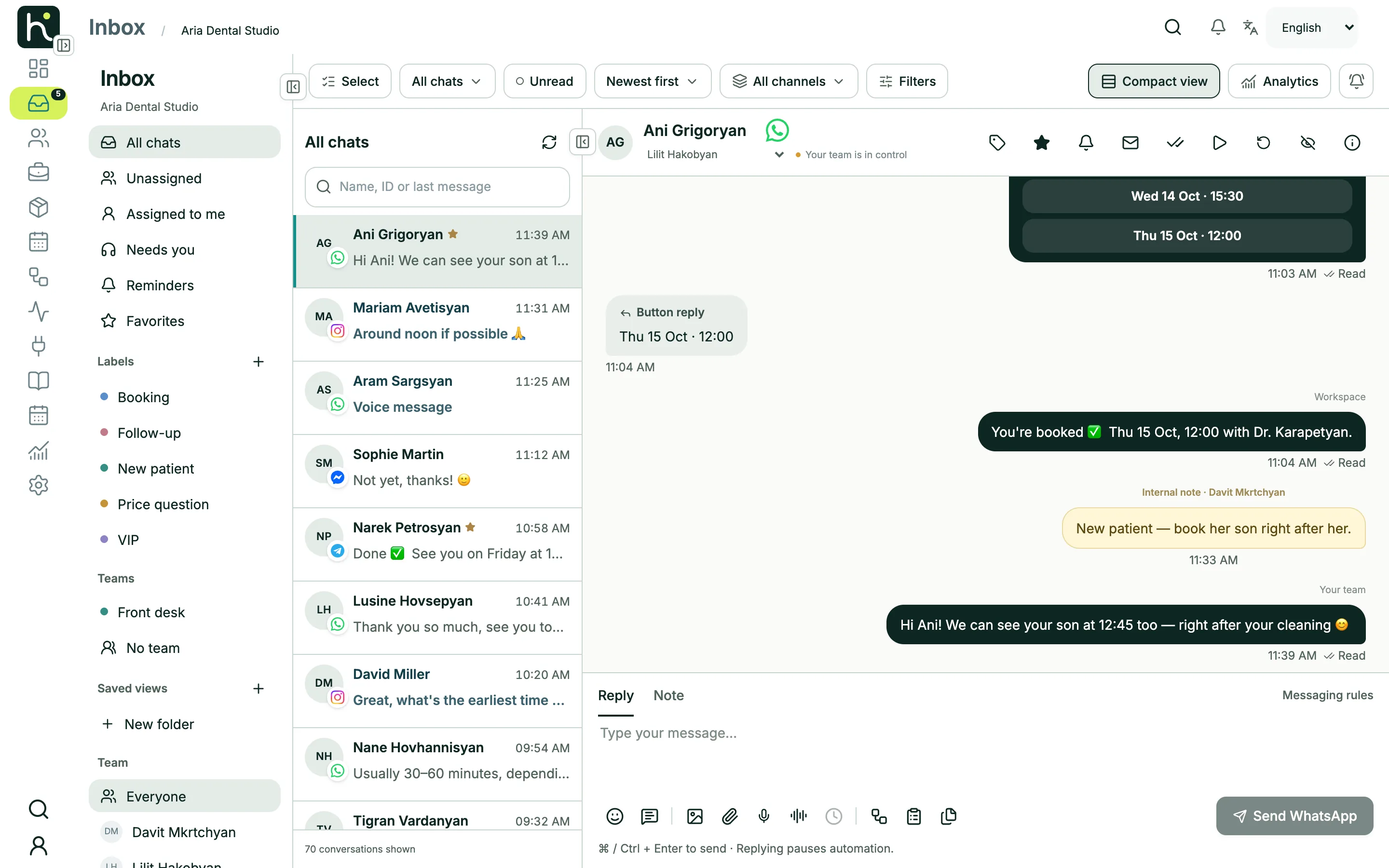
Product screens use a demo workspace with sample data.
Give every inquiry a next step
Interested customers message you, but the follow-up gets lost.
Ask the right questions, save the details in CRM and give your team the context to continue. Track each request through your own sales stages.
- Understand the customer's interest
- Collect the agreed contact details
- Create a lead and organize the follow-up
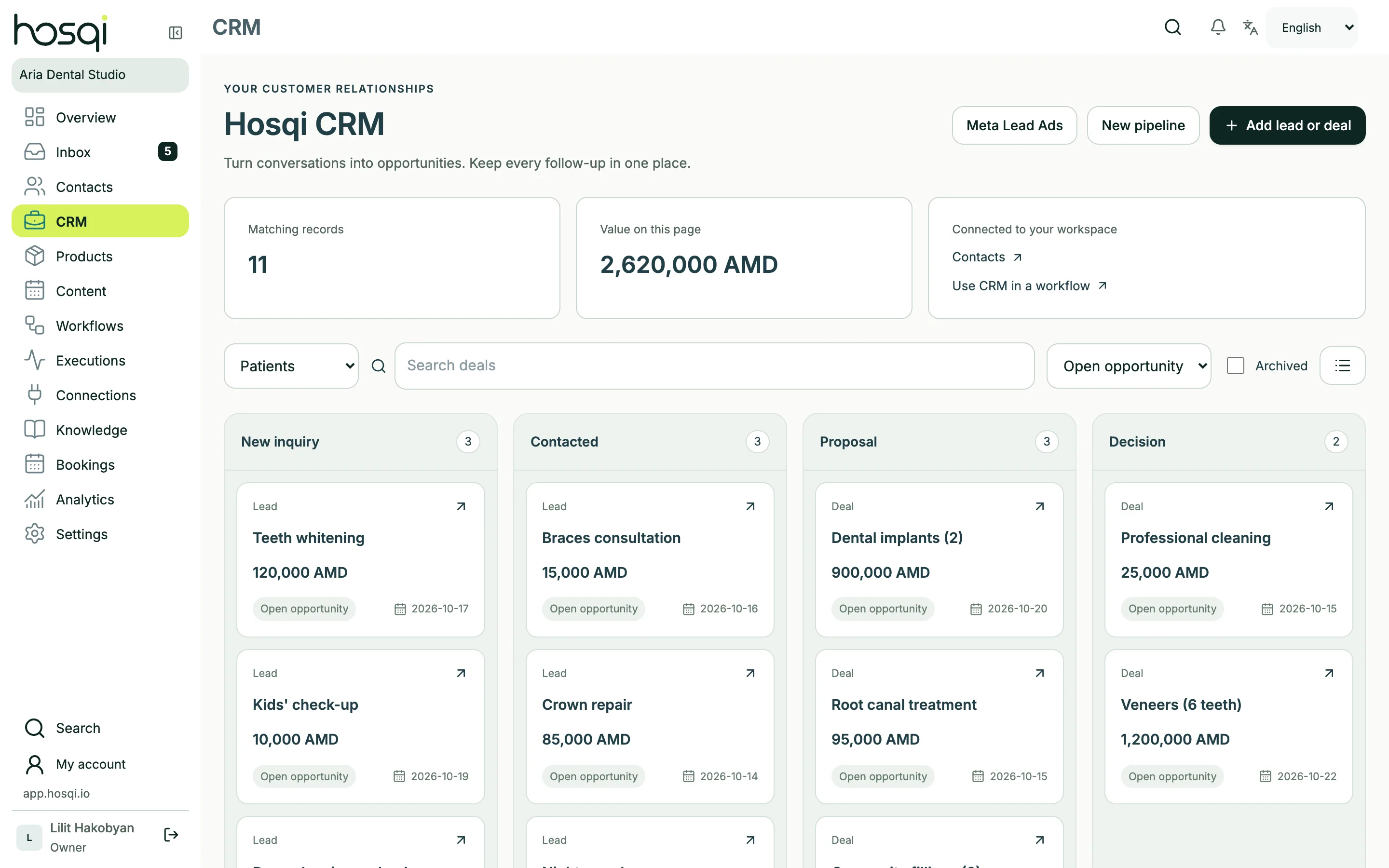
Product screens use a demo workspace with sample data.
Arrange appointments inside the conversation
Finding a suitable time takes several messages.
Offer available times from your configured calendar, collect visitor details and confirm a successful reservation. Give exceptions a clear route to your team.
- Ask which service is needed
- Offer times and reserve the selected slot
- Confirm the result or route the exception
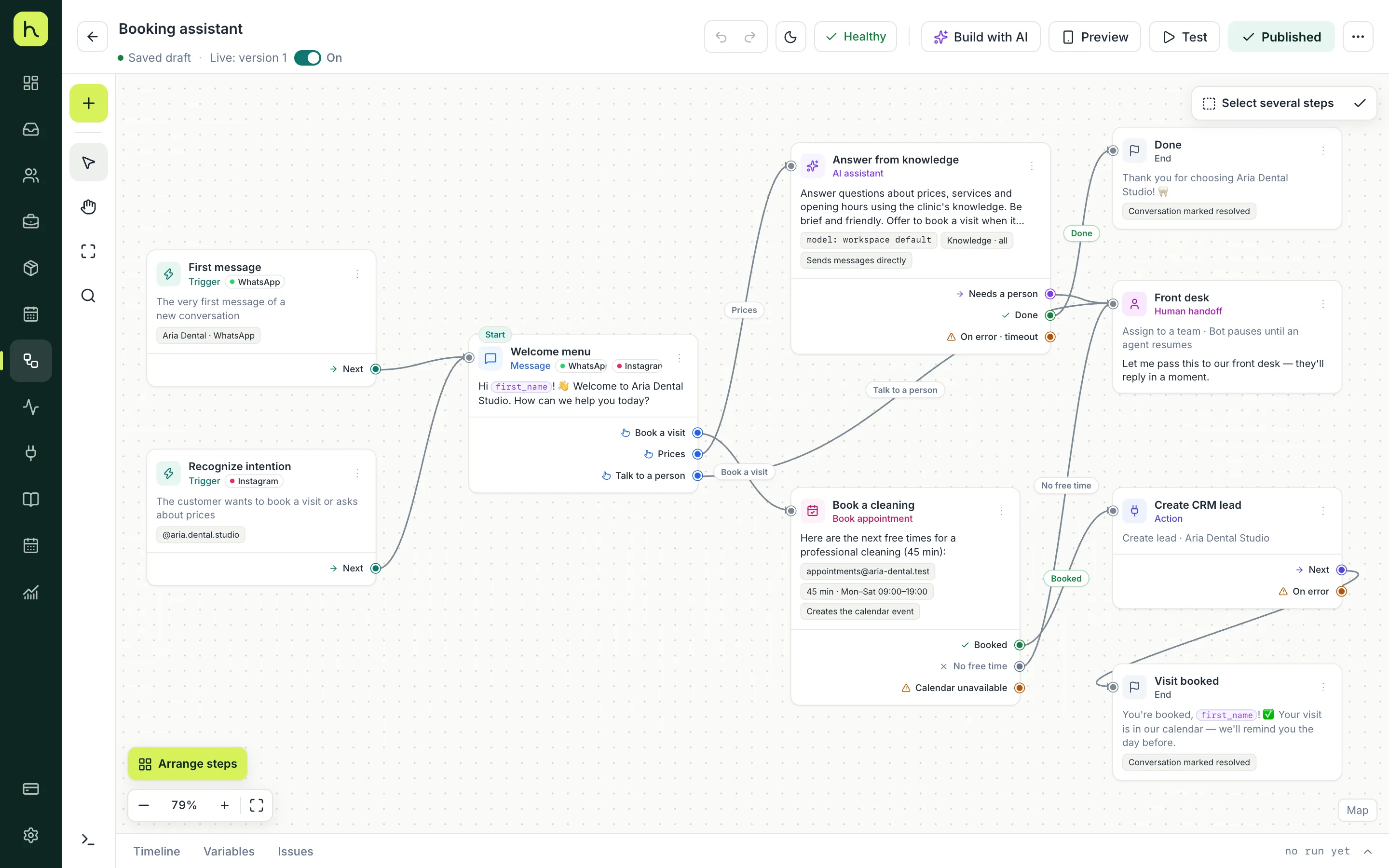
Product screens use a demo workspace with sample data.
Give repeated conversations a clear flow
Your team asks the same questions and repeats the same steps.
Build the path once in the visual editor: questions, choices, conditions and actions. Keep the conversation flexible with a route to a person.
- Choose one repeated customer task
- Connect the questions, choices and next actions
- Check the draft and review activation
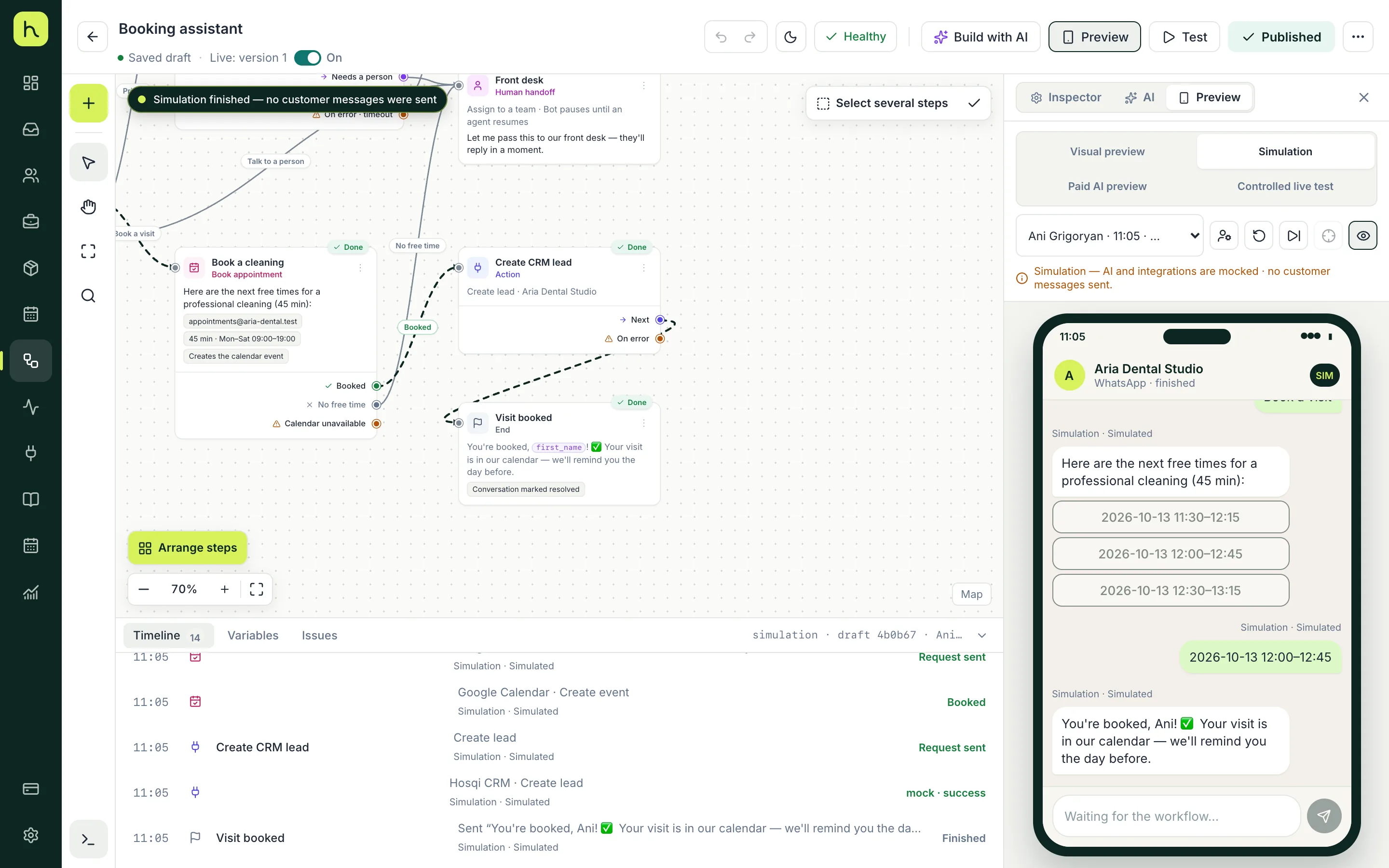
Product screens use a demo workspace with sample data.
The same tools, adapted to your industry
Explore ideas for education, real estate, hospitality, professional services and more, plus detailed examples for clinics, salons and online stores.
Explore industry examplesChoose one task to start with
Build a focused first workflow, check it with sample conversations and expand it as your team needs more.